Construction Job Purchasing & Procurement Software | ProjectPro

All-In-One Construction Accounting Software

STREAMLINE PROJECT PROCUREMENT

Experience Extraordinary Job Quoting, Not Average Sales Quotes

Book a Free Consultation

Job Purchasing and Procurement

Manage Purchases, Material Planning, Track Inventory, & More

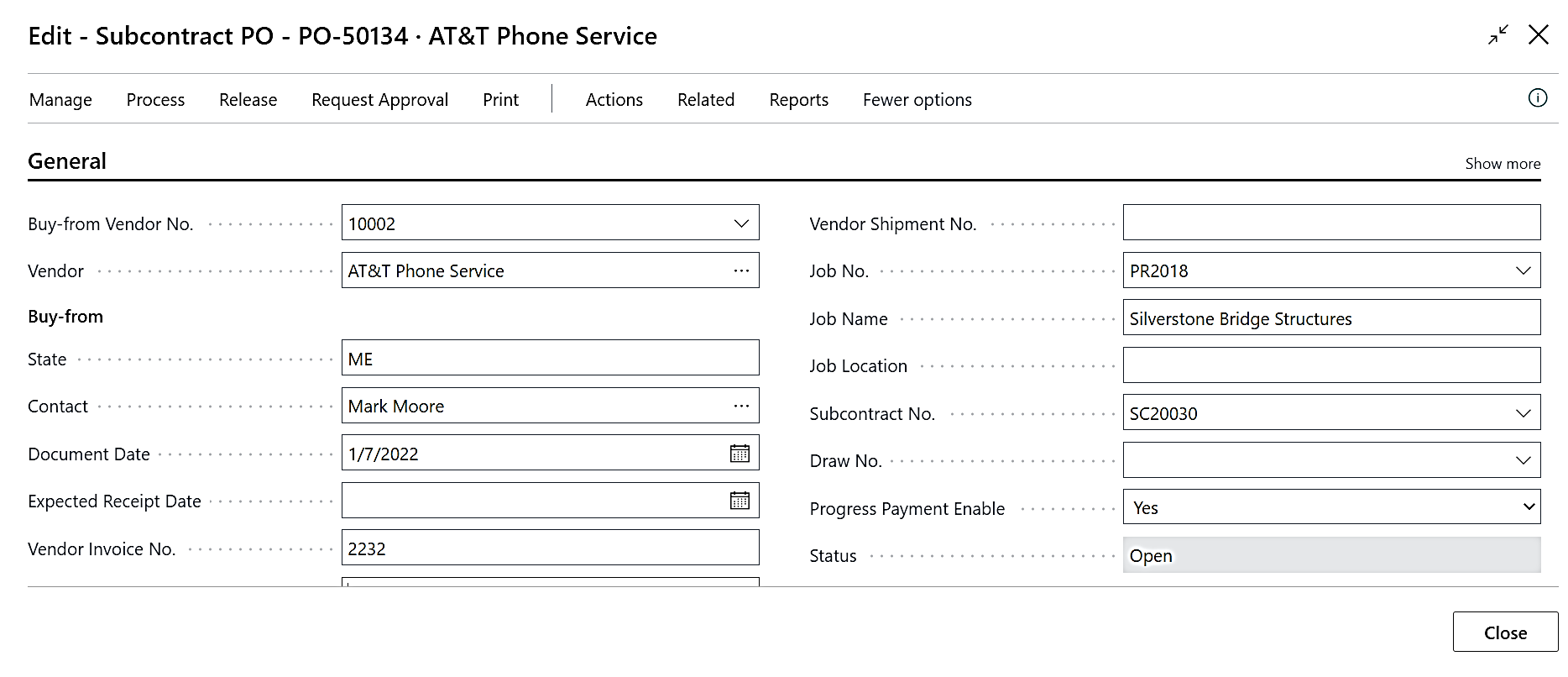
ProjectPro streamlines job purchasing by enabling procurement of materials, equipment, and labor, with support for inventory transfers, consumption, retainage at contract or line level, and subcontracting.

Its Job Material Planning feature organizes items by phase, order dates, and delivery schedules, suggests purchases, and generates purchase orders.

Award-Winning Construction Software
Created By Industry Experts

We know the construction industry challenges and we strive to make sure you achieve your project goals. We cut through complexity to give you the assurance and directions for your decisions, because we are here for the long term.

Award 1

Got a Question?

Can ProjectPro automatically create job purchase orders?
Yes, you can create purchase orders automatically through the Requisition Worksheet by selecting the job you would like to manage. The Req. Worksheet will suggest vendors based on item records and will create and issue the purchase orders.
Can I purchase Resources through a purchase order?
Yes, ProjectPro has added the ability to purchase resources typically used for equipment rentals or subcontractors through purchase orders.
How do I see Open Purchase Orders from the jobs?
You can see the Open Purchase Order values on each Job Card as “Committed Cost to Job”. Drilling down shows all open items from purchase orders.
How does ProjectPro handle progress billings that are rejected or unapproved by customers or field managers?
ProjectPro provides the ability to create a new “Version” of the job billing. This enables users to create a revised billing while keeping the same “Requisition No.” The customer only sees the corrected billing document. If the job billing was already posted, a credit memo is created to reverse the original invoice. The process is completely automated.
How can I tell what materials and other items have been delivered to the job site?
You can use the Job Material Worksheet to show which items have been purchased for the job, items received, items staged for delivery, and what has been delivered to the job site from both vendors and inventory stock.
How do I handle Assigning “Pay-When-Paid” through Purchase Order and Vendor Purchase Invoice?
You can select the Draw (Pay-When-Paid) and assign it to the purchase order. The Draw No. can be updated at vendor invoice posting or edited later with permissions.
How do I create approval levels for Purchasing?
Native Approval Setup establishes which users can approve based on amount thresholds. Microsoft Business Central and Power Automate provide sophisticated workflow capabilities which can handle any approval process.
Schedule a Demo