Contract Lines & Change Orders Software | ProjectPro

All-In-One Construction Accounting Software

MANAGE & OPTIMIZE THE CHANGE ORDERS PROCESS WITH PROJECTPRO

Keep track of materials & resources for smarter inventory management

Book a Free Consultation

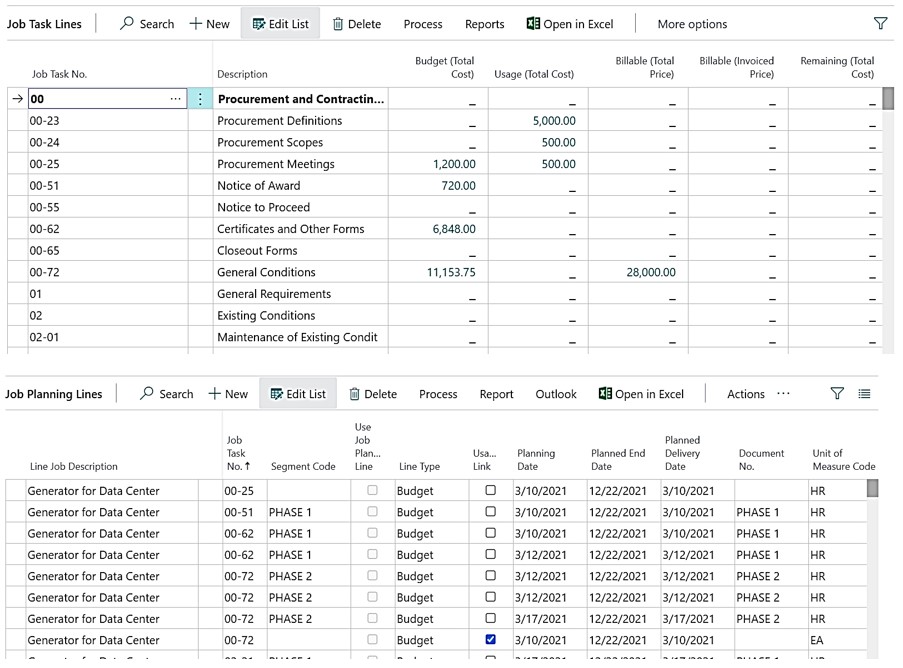
Define Contract Lines

ProjectPro lets users create contract lines within job tasks for milestone or progress billing. These lines act as Bid Items, Pay Items, or Schedule of Value entries. Contract values can be set as %, lump sum, or unit price.

They simplify billing setup, ensure accurate tracking, and support reporting for all scheduled values.
Change Orders Simplified

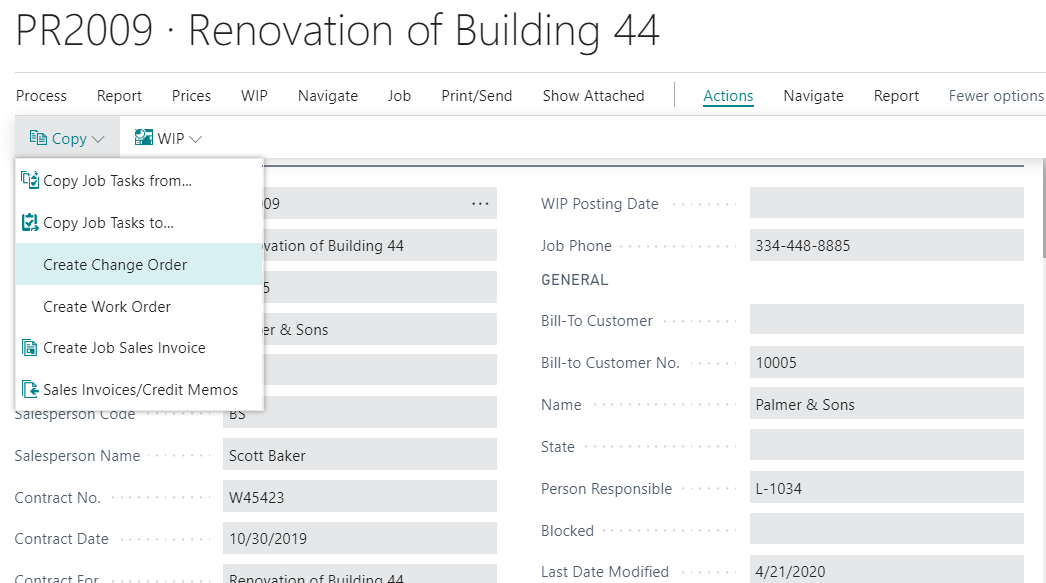
Create automated change orders using data from master job card

ProjectPro streamlines change order management by automatically generating contract changes for increases or decreases. It assigns the next available change order number and pulls relevant data from the master job card. Bid Items, Pay Items, or Schedule of Value lines can then be added to Progress Billing for invoicing once approved.

Job Cost Categories

Get Individual Tracking of Resources Consumed

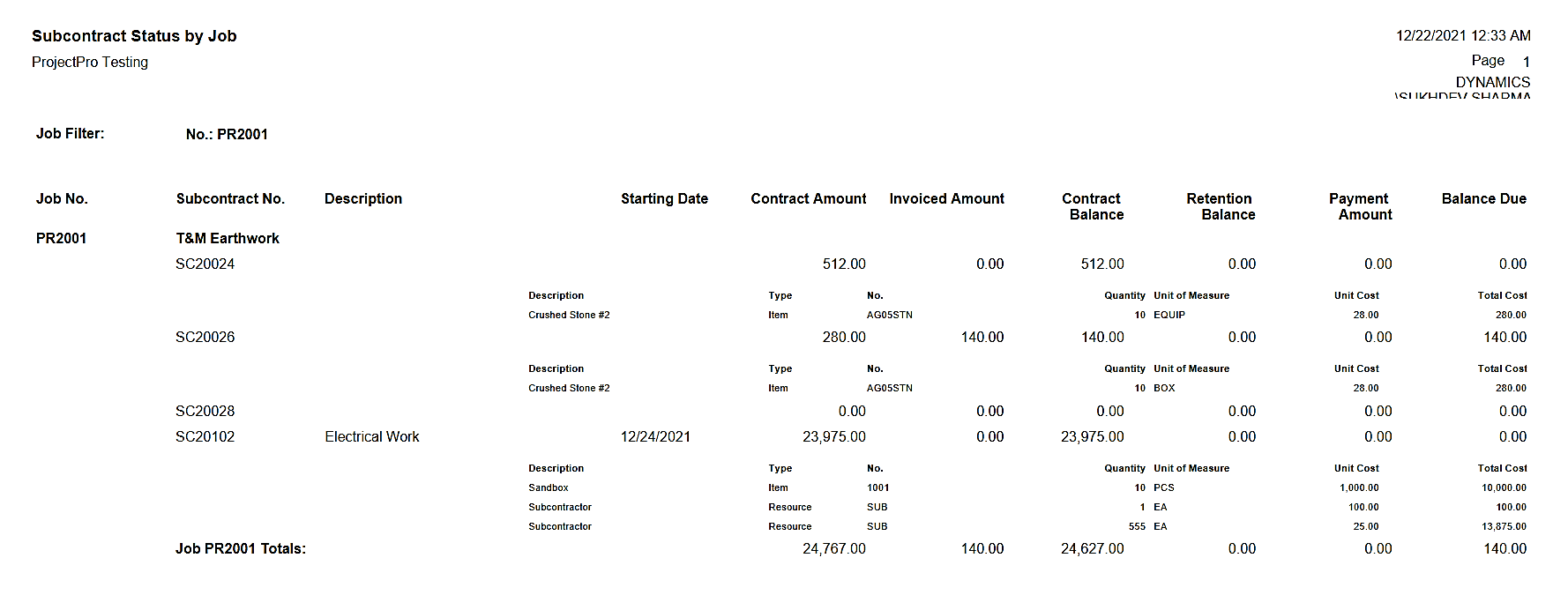
ProjectPro offers customizable cost categories for efficient management of labor, equipment, materials, and subcontracts. Users can access and track all activities through dedicated job cost categories. Structured with activity codes, the system enables accurate monitoring, resource allocation, and streamlined cost reporting across projects.

Award-Winning Construction Software
Created By Industry Experts

We know the construction industry challenges and we strive to make sure you achieve your project goals. We cut through complexity to give you the assurance and directions for your decisions, because we are here for the long term.

Award 1

Insights

Case study

Communication Solution Provider

This case study will help you understand how ProjectPro helped the client streamline financial reporting, and enhance project management and operations monitoring by offering real-time project performance visibility.

Read Case Study
Product Update
Learn About ProjectPro's Product Updates
Product Update

Got a Question?

Can I have Contract Lines with different billing methods?
Yes, if your overall contract is structured that some contract values will be based on “Percentage” and other contract lines are based on “Units” or “Lump Sum”. Once your contract is signed, you can set up as many contract lines as needed with billing methods as agreed.
Can I relate the Contract Lines to the Job Task Lines?
Yes, ProjectPro uses a link between any Job Task “Cost” planning lines to “Billable” contract planning lines so that you can analyze the profitability of specific Job Tasks across “Cost” and “Revenue” activities.
Can I track Subcontractor’s Insurance?
Yes, on the Subcontract card you can track all the insurance policies and their expiration dates. There is an alert on the user’s dashboard that will notify when a vendor’s insurance policy is within 30 days of expiring.
How does ProjectPro assign the next Change Order No.?
ProjectPro has a function to create Change Orders automatically while on the Master Job card. The first Change Order will start with the Job No. plus “.001”. Users can rename the Change Order if necessary or continue creating additional Change Orders consecutively numbered.
Would I be able to create a Change Request Document for the Owner from a Master Job?
Yes, with Business Central integration with “Word”. Users can import common Word documents used for contracts and contract change requests and then assign what fields from the Master Job should be auto-filled. Many different documents can be automatically populated with key fields from the Master Job to complete necessary documents for submission to job owners or general contractors.
Schedule a Demo