Construction Project Management Software | ProjectPro

All-In-One Construction Accounting Software

STREAMLINE YOUR PROJECTS WITH CONSTRUCTION PROJECT MANAGEMENT SOFTWARE

Take command of project budgets, resources, and activities to improve profitability

Book a Free Consultation

Plan and Execute Tasks to Stay on Schedule

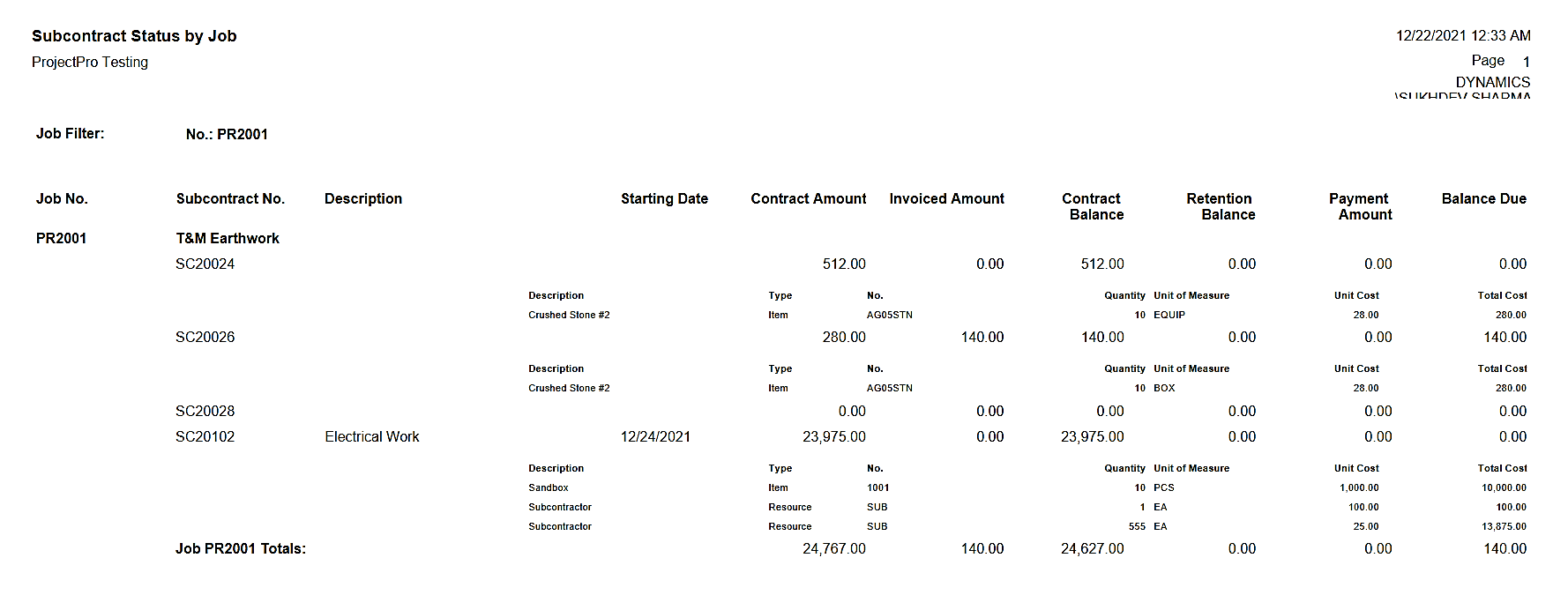
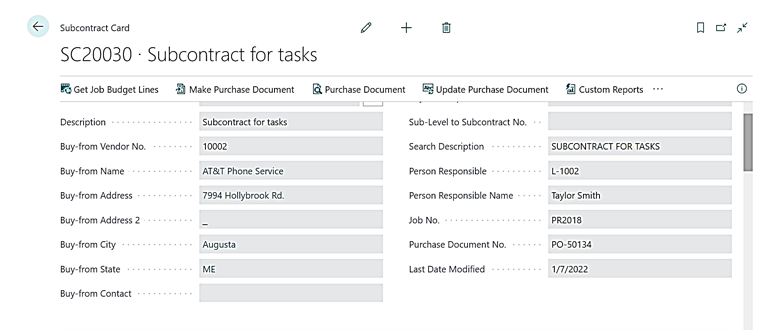
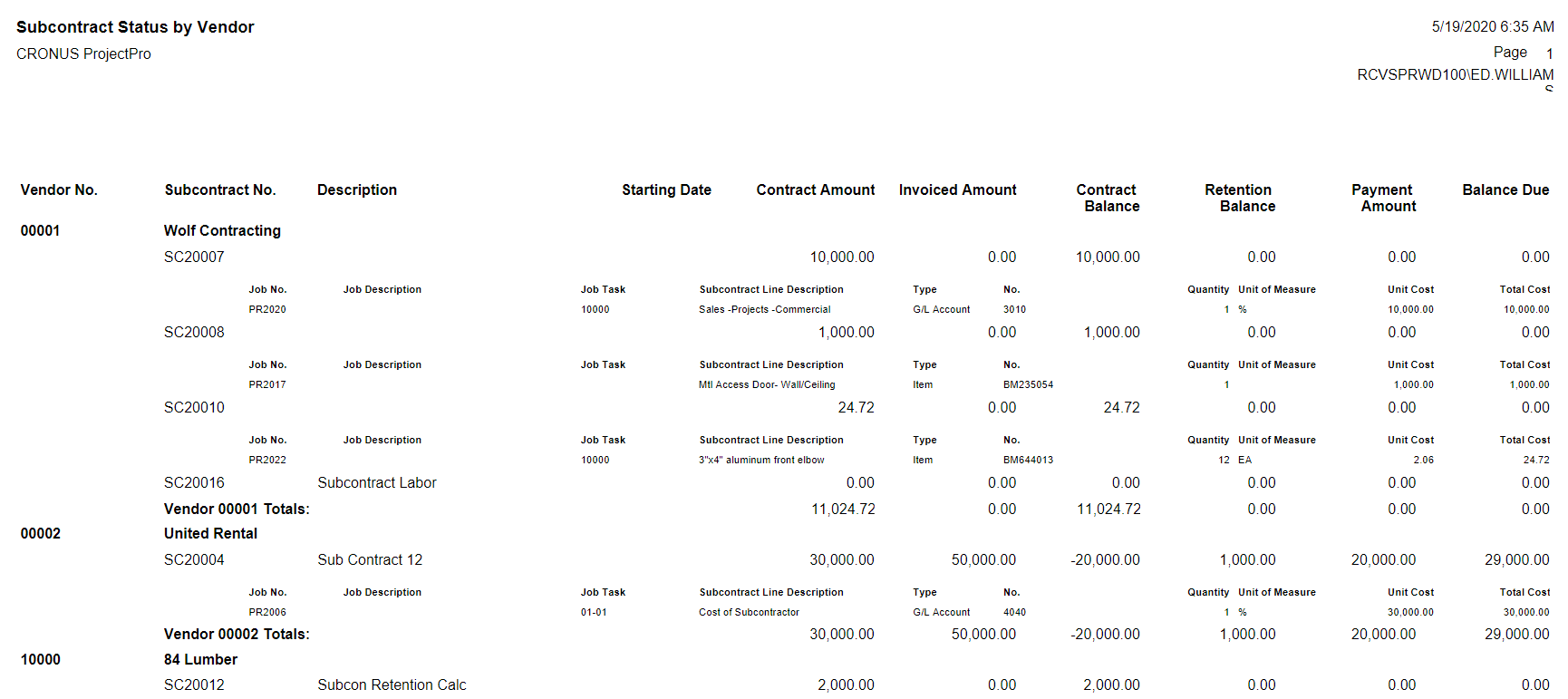
ProjectPro helps plan and execute construction projects with control over budgets, change orders, contracts, labor, vendors, and subcontractors at the task level. It also tracks costs, revenues, and profits in real time, improving financial visibility and overall project performance.
Job Task Code (Work Breakdown) Structure

Enables You to Monitor All Project Activities

ProjectPro offers a three-level task code structure for efficiently tracking costs and billable activities. Built on Dynamics 365 Business Central, it is designed to record, store, and calculate all resource-related information.

Job Cost Categories

Get Individual Tracking of Resources Consumed

ProjectPro offers customizable cost categories to manage labor, equipment, materials, and subcontracts efficiently. Users can access and utilize a complete list of categories for accurate tracking. It enables effective cost control through structured processes supported by activity codes and dedicated job cost category options.

Award-Winning Construction Software
Created By Industry Experts

We know the construction industry challenges and we strive to make sure you achieve your project goals. We cut through complexity to give you the assurance and directions for your decisions, because we are here for the long term.

Award 1

Insights

Case study

Communication Solution Provider

This case study will help you understand how ProjectPro helped the client streamline financial reporting, and enhance project management and operations monitoring by offering real-time project performance visibility.

Read Case Study
Product Update
Learn About ProjectPro's Product Updates
Product Update

Got a Question?

Can I relate multiple jobs together for analysis or reporting?
Yes, you can select any job and make it a “Sub-Level” or “Child” of another “Parent” job. ProjectPro support “Job Classes” such as Master Job, Sub-Job, Change Order and more.
How many levels to your task code (work breakdown)?
Our task codes have three levels, each up to 20 alphanumeric characters, with a combined maximum of 20 characters. For example: Concrete "03", Concrete Forms "11", Concrete Shoring "13" become 03-11-13.
I want to know what my job’s “Original Budget” was even after budget changes occur?
You can lock the original budget and track change orders individually to see the Original budget and Revised Budgets.
Can I easily see a job budget verses actual costs, billings, payments received, and outstanding payables?
Yes, ProjectPro shows real-time Actual Costs, Job Billings, Payments Received, A/R Balance, A/P Balances, and Subcontract Balances.
How do I handle Change Orders on a Job?
You can quickly create a change order while you are viewing a job record. The user is asked if they want to copy “master” job information such as Customer, Dates, Task Codes, and Descriptions.
Schedule a Demo